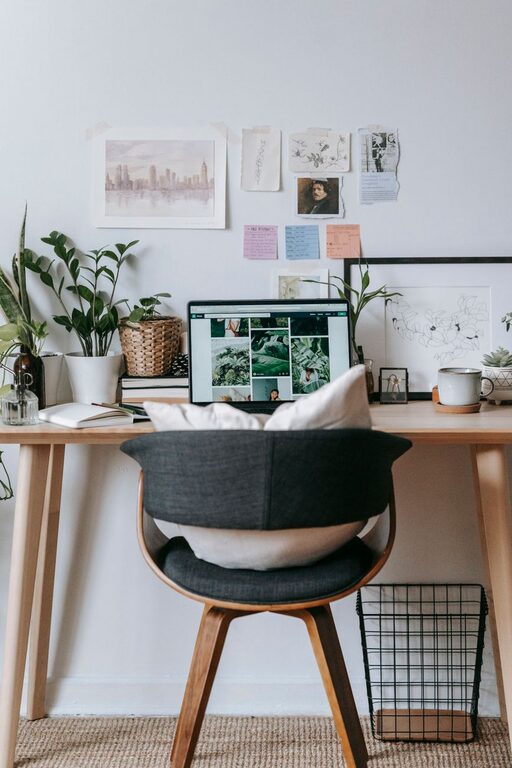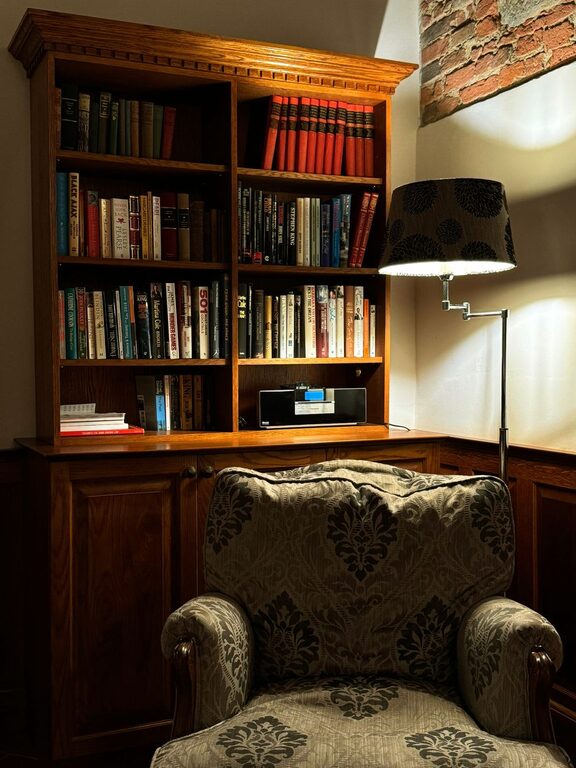
Creating a cozy and productive home office space is essential for anyone working remotely or managing tasks from home. A well-designed workspace can improve focus, reduce stress, and make your workday more enjoyable. Whether you have a dedicated room or just a corner of the living room, there are practical ways to transform your area into an inviting and efficient office. Here are some tips to help you get started.
Choose the Right Location
Finding the ideal spot for your home office is the first step. Consider these factors:
– Natural Light: Set up your desk near a window if possible. Natural light can boost your mood and energy levels.
– Quiet Environment: Choose a quiet corner away from household traffic to minimize distractions.
– Space Availability: Ensure there is enough room for your desk, chair, and any equipment you need.
If space is limited, try to create a dedicated zone to mentally separate work from leisure.
Invest in a Comfortable Chair and Desk
Comfort is key when spending long hours working.
– Ergonomic Chair: Look for a chair that supports your lower back, encourages good posture, and has adjustable height and armrests.
– Suitable Desk: Choose a desk size that fits your equipment without crowding the space. Consider adjustable desks or standing desks if you prefer to switch positions.
A comfortable setup helps prevent fatigue and physical discomfort.
Organize with Smart Storage Solutions
A clutter-free workspace enhances productivity.
– Use shelves, filing cabinets, or storage bins to keep supplies organized.
– Consider desk organizers for pens, paper, and small tools.
– Store infrequently used items out of sight but within reach.
Regularly declutter your workspace to maintain a clean atmosphere.
Personalize Your Workspace
Adding personal touches can make your office feel welcoming.
– Decorate with plants to bring life and improve air quality.
– Display photos, artwork, or inspirational quotes that motivate you.
– Choose calming colors for walls or accessories, such as soft blues or greens.
Personalization should inspire without overwhelming your focus.
Optimize Lighting
Good lighting reduces eye strain and helps maintain alertness.
– Combine natural light with task lighting, like a desk lamp.
– Use bulbs that mimic daylight for a balanced effect.
– Avoid glare by positioning screens perpendicular to windows or bright lights.
Adjust lighting based on the time of day and your activities.
Minimize Distractions
Keeping distractions at bay increases efficiency.
– Use noise-canceling headphones or white noise machines if needed.
– Limit phone interruptions by setting designated times to check messages.
– Inform family members or housemates of your work hours.
Setting boundaries helps maintain a professional mindset.
Include Technology That Supports Your Work
Having the right tools is essential.
– Reliable internet connection and quality router.
– Good quality monitor, keyboard, and mouse for comfort and efficiency.
– Backup solutions like external drives or cloud storage.
Regularly update your software and hardware to keep things running smoothly.
Take Breaks and Move Around
Even the best setup requires you to pause.
– Follow the 20-20-20 rule: every 20 minutes, look at something 20 feet away for 20 seconds.
– Stand up and stretch or walk around periodically.
– Use breaks to refresh your mind and maintain physical health.
Incorporating movement can enhance focus and reduce fatigue.
Maintain a Routine
Structure your day to maximize productivity.
– Set consistent start and end times for work.
– Create a to-do list to prioritize tasks.
– Schedule regular breaks and stick to them.
A routine helps signal the start and finish of your workday, improving work-life balance.
—
Designing a cozy and productive home office doesn’t require a complete overhaul. Small adjustments based on your needs can transform your workspace into a place where you feel comfortable, focused, and motivated. Start with these tips, and customize your setup over time to find what works best for you.
About the Author